Overview
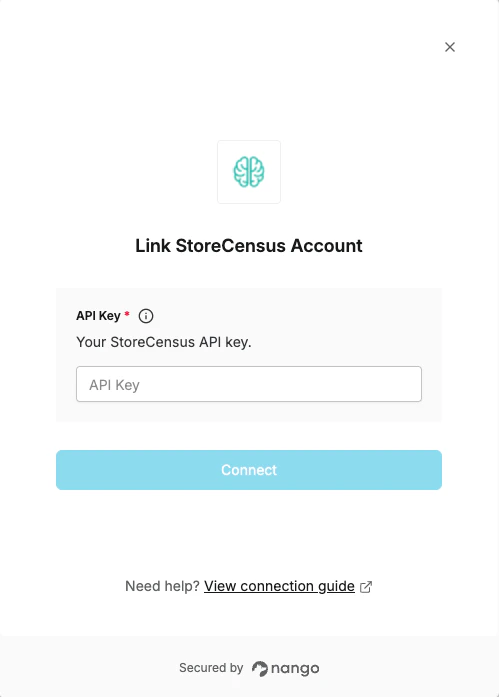
To connect to the StoreCensus API, you’ll need:- API Key - A key that grants secure access to the API, enabling authorized applications to interact with StoreCensus resources and services.
Prerequisites:
- An active StoreCensus account at storecensus.com.
- A Professional or Enterprise plan (required for API access).
Instructions
Step 1: Get your API key
- Log in to your StoreCensus account and navigate to the API Integration page.
- Click Generate API Key and copy the key to your clipboard.
Step 2: Enter credentials in the Connect UI
Once you have your API Key:- Open the form where you need to authenticate with StoreCensus.
- Enter your API Key in the respective field.
- Submit the form, and you should be successfully authenticated.