Overview
To authenticate with OpenRouter, you need:- API Key — A key that grants Nango access to the OpenRouter API on your behalf.
Prerequisites
- An OpenRouter account.
Step 1: Create your API key
- Log in to OpenRouter and go to the API Keys page in your settings.
- Create a new key and give it a name, such as
Nango. - Choose a credit limit. OpenRouter recommends setting a limit on every key so that a leaked key can’t spend your entire balance.
- Set Expiration to No expiration so the key doesn’t expire and break the connection.
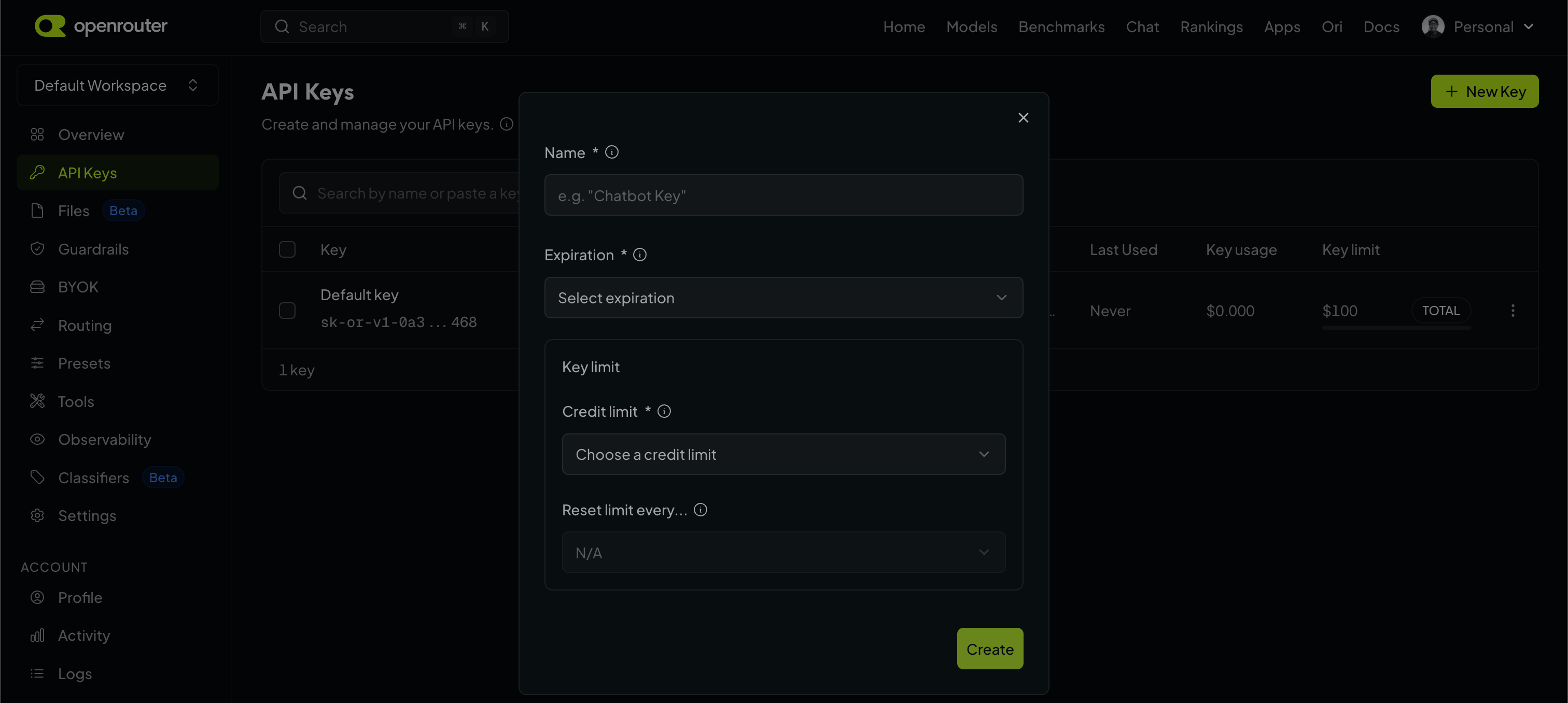
- Copy the generated key. It starts with
sk-or-v1-.
Step 2: Enter your API key in the Connect UI
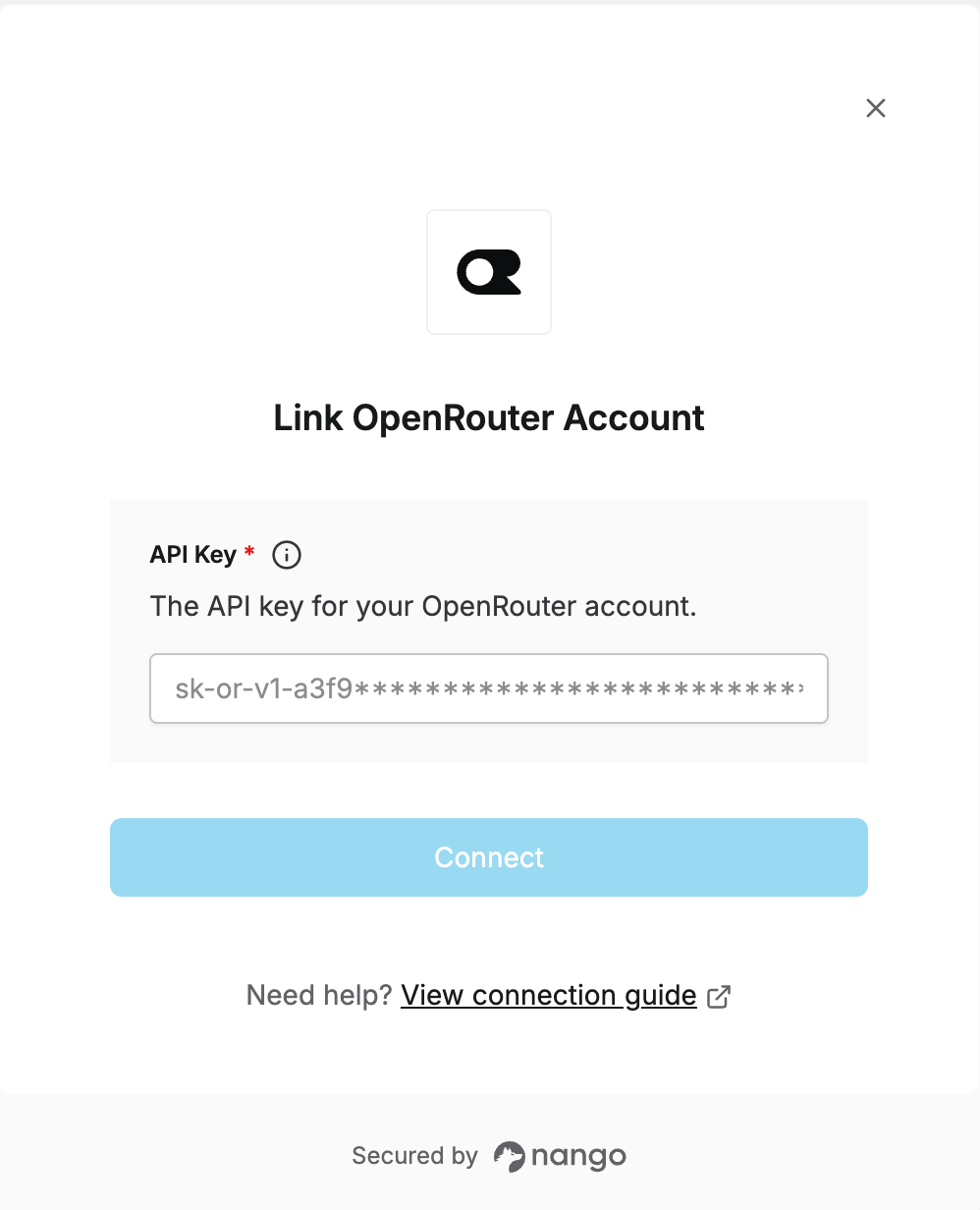
- Open the form where you need to authenticate with OpenRouter.
- Enter your API Key in the designated field.
- Submit the form, and you should be successfully authenticated.