Overview
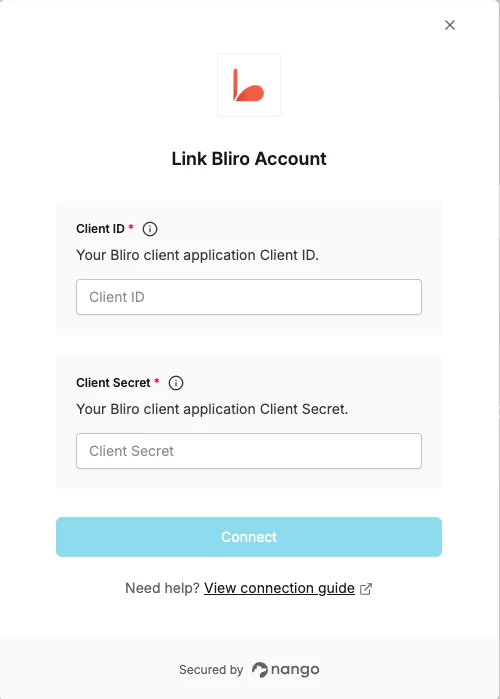
To authenticate with Bliro, you will need:- Client ID - A unique identifier for your client application.
- Client Secret - A secret key used alongside your Client ID to obtain access tokens.
Prerequisites
- You must have a Bliro account with admin privileges and API access enabled.
Instructions
Step 1: Creating a client application
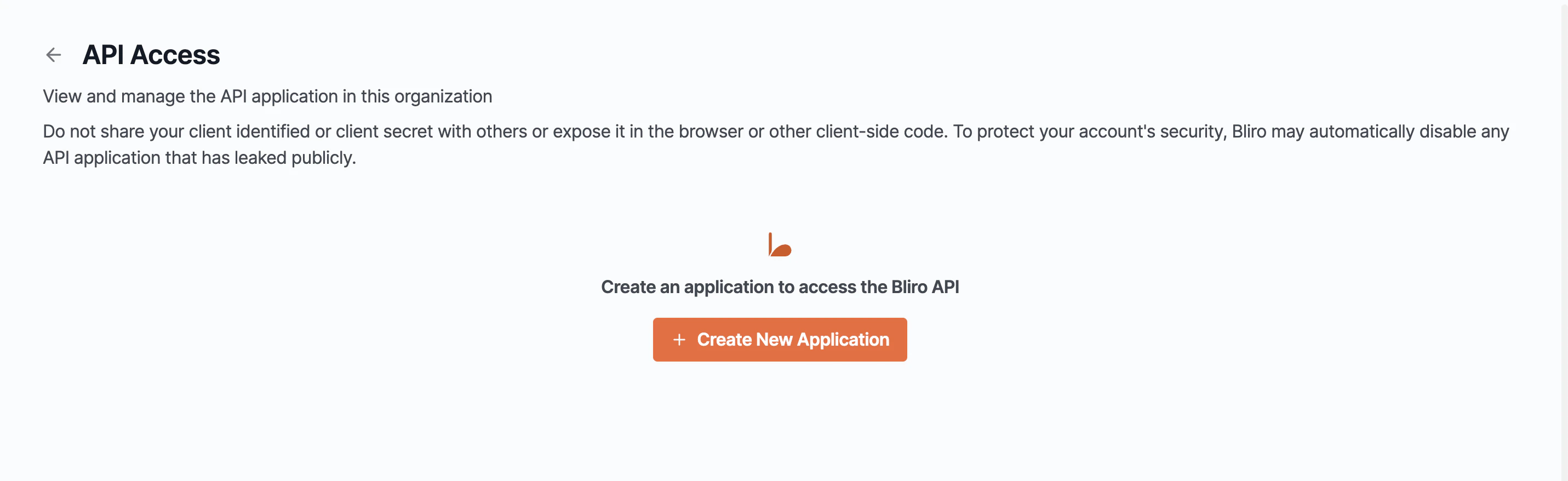
- Log in to your Bliro account and navigate to API Access Settings.
- Click Create Client Application.
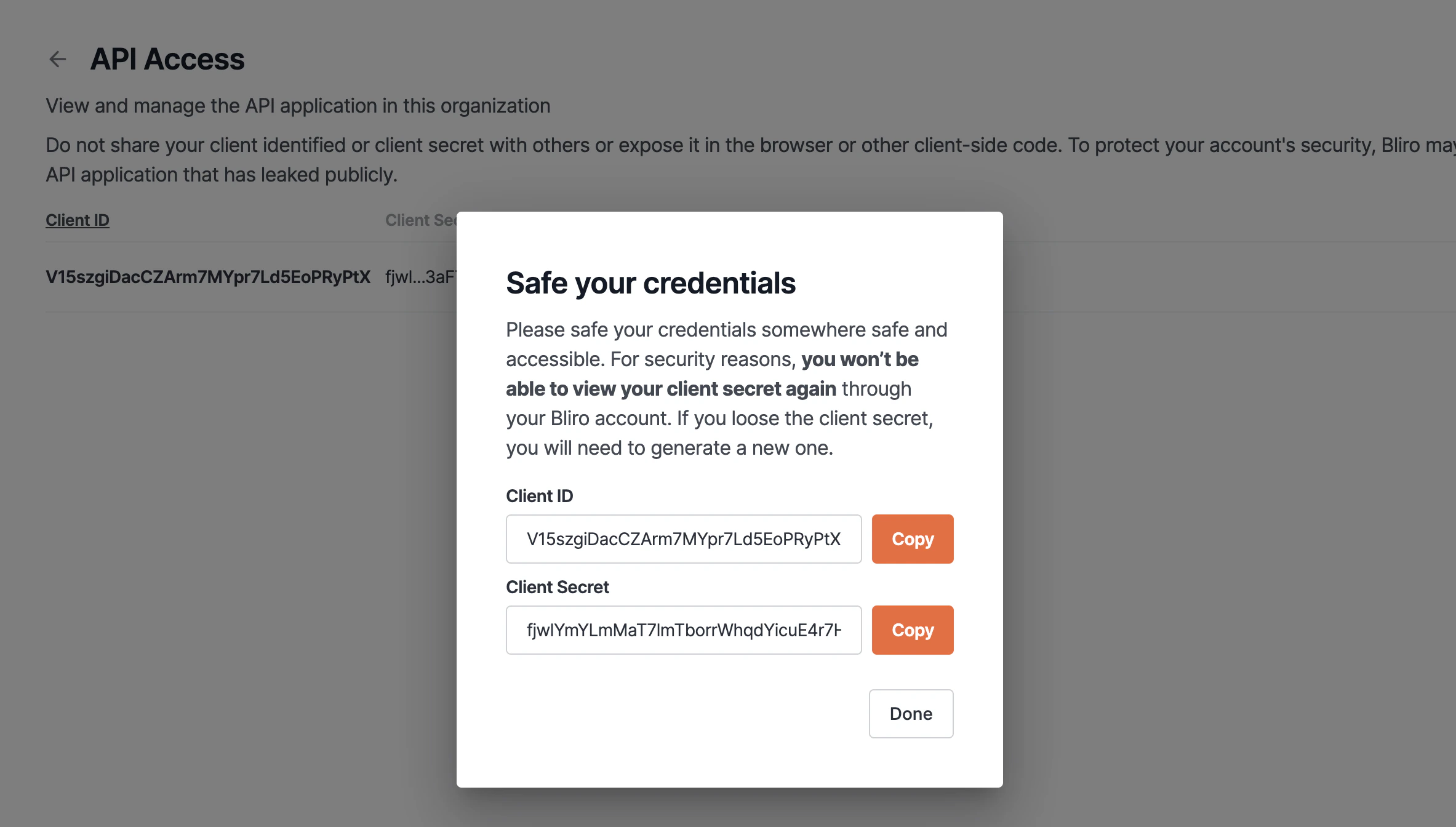
- Save the application — a Client ID and Client Secret will be generated for you.
Step 2: Enter credentials in the Connect UI
Once you have your Client ID and Client Secret:- Open the form where you need to authenticate with Bliro.
- Enter your Client ID and Client Secret in their respective fields.
- Submit the form, and you should be successfully authenticated.