Overview
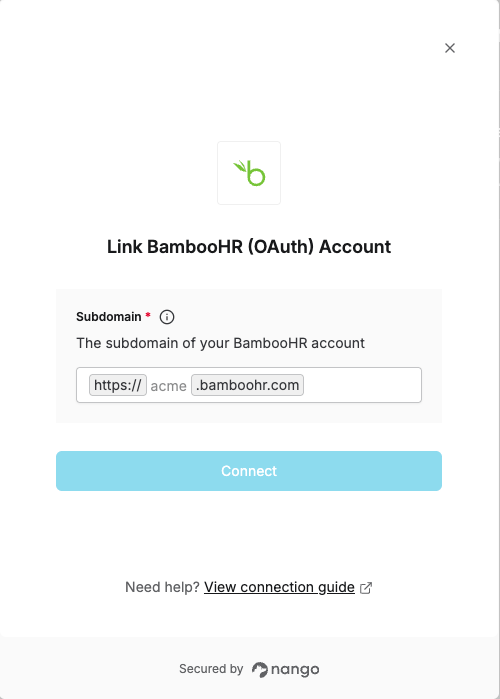
To authenticate with BambooHR, you will need:- Subdomain - The subdomain used to access your BambooHR account.
Prerequisites:
- You must have a registered account with BambooHR.
Instructions:
Step 1: Finding Your BambooHR Subdomain
- Log in to your BambooHR account.
- Check the URL in your browser’s address bar. Your Subdomain is the text that appears after
https://and before.bamboohr.com.- For example, if the URL is
https://acme.bamboohr.com/home, your Subdomain isacme.
- For example, if the URL is
Step 2: Enter Your Subdomain in the Connect UI
Once you have your Subdomain:- Open the form where you need to authenticate with BambooHR (OAuth).
- Enter your BambooHR Subdomain in the corresponding field.
- Submit the form to complete authentication.